How I Automated My Daily Workflow Using OpenClaw
Table of Contents
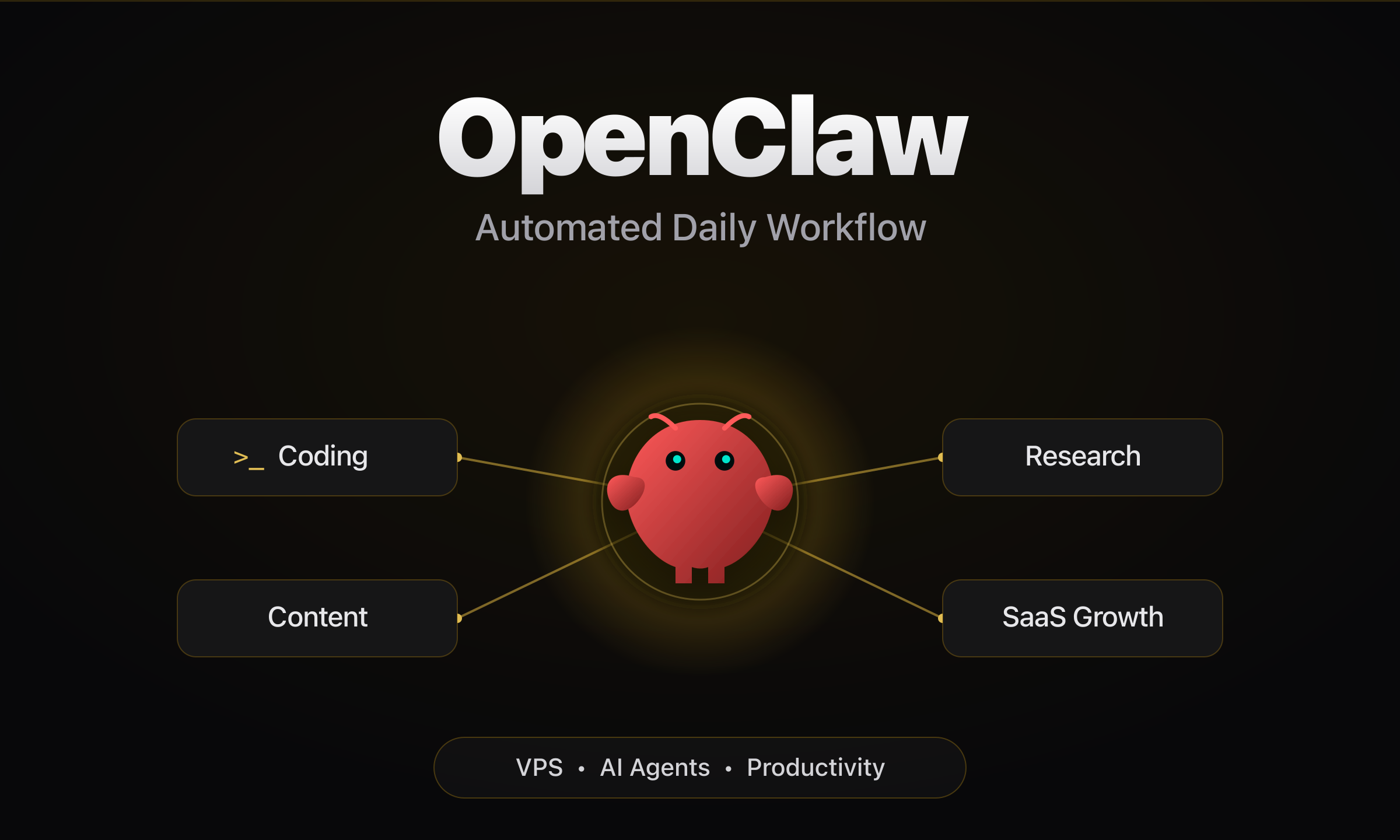
I run an agent on a VPS that handles the boring half of my day. PR feedback, news, research, outreach. Here is the actual setup.
June 5, 2026
So I was running OpenClaw on my VPS for a while, and at first I was just throwing random small workflows at it. OpenClaw is an open-source CLI agent framework that lets you run AI workflows locally or on a VPS — think of it as a headless agent runtime you can wire up to cron jobs, Discord, or any command-line trigger.
Nothing fancy.
Just stuff that would save me a few minutes a day.
The first things I wired up were the obvious ones:
- saving useful outputs into my notes instead of losing them in chat
- turning rough thoughts into blog drafts or content ideas
- helping me move faster when I am coding
- tracking recent AI news without scrolling for hours
- researching product market fit for ideas I want to build
- finding Reddit conversations where my SaaS could fit naturally
And after a point it stopped feeling like "I am chatting with AI."
It started feeling like I had an operator sitting inside my workflow.
That is the part I liked.
But I also hit the limits fast. And honestly, that is the part people should talk about more.
The real problem is context
The biggest issue was never that OpenClaw was bad.
The issue was context.
When you keep adding workflows, notes, memory, project rules, writing preferences, and reusable patterns, the system gets heavier. And once the context bloats, quality gets weird.
Not always terrible. Just less sharp. Less reliable.
Sometimes it gets a small thing wrong. Sometimes it misses the real intention. Sometimes it does something technically valid but operationally dumb.
That was the point where I changed how I thought about using AI.
I stopped asking "how do I keep giving it more context?"
And started asking "how do I give it only the right context for this specific job?"
That one shift made a huge difference. Almost everything below is built on top of it — each workflow gets a narrow slice of context, not the whole pile.
I did not want another AI app
I did not want another app where I keep pasting the same background again and again.
I wanted an AI layer that fits into how I already work.
Something that helps across coding, writing, research, growth, note capture, project thinking, and the repeated workflows that eat a day quietly.
That is why OpenClaw stuck. Not because it gives fancy answers. Because it sits close to the actual work.
Why this setup actually works for me
A big reason I use it every day is that it lives where I already am.
I can talk to it from Discord. I can keep context in my workspace. I can write outputs straight back into my notes or repo. I can turn anything repeated into a workflow instead of doing it by hand forever.
That low-friction loop is the real advantage.
If a system asks me for too much ceremony, I stop using it. OpenClaw works because I can use it in tiny moments — a half-formed idea, a coding task I want broken down, something I want to save before I forget it, a trend I want summarized without losing an hour.
But the moments that actually changed my week are the ones I do not touch at all. The cron jobs.
How I use it for coding
This is the most practical everyday workflow.
I already use GH CLI for the direct GitHub work, and that part is solid. I am not replacing it. For the full picture of the CLI stack I use alongside OpenClaw, see the full CLI stack I use alongside OpenClaw.
I use OpenClaw around it.
GH CLI handles the GitHub actions. OpenClaw helps me think better around the work:
- understand what an issue is really asking for
- break down implementation options
- think through tradeoffs before I change anything
- clean up PR explanations
- turn finished engineering work into content ideas
I like this because it connects building and explaining, which is a pattern I care about a lot.
The cron job that fixes my PR comments while I sleep
This is the one that genuinely changed my workflow, so I want to be specific about it.
The problem: I open PRs, someone leaves review comments, and then the PR sits. Not because the feedback is hard. Because I have context-switched to something else and "go back and address review comments" is exactly the kind of small task that slips for two days.
So I gave OpenClaw a cron job.
It runs on a schedule on the VPS. Every run it does roughly this:
# pull every open PR I own
gh pr list --author @me --state open --json number,headRefName

# for each PR, check for new review comments since the last run
gh pr view <number> --json reviews,comments
If a new comment came in, OpenClaw reads it, figures out what change is being asked for, checks out the branch, makes the fix, runs the tests, pushes, and replies on the thread so the reviewer knows it is handled.
The rules I gave it matter as much as the automation:
- only touch the exact thing the comment is about, nothing else
- if the comment is ambiguous or a design decision, do not guess — flag it to me in Discord instead of pushing something wrong
- never force-push, never touch
main - run the test suite before pushing, and if it goes red, stop and ping me
So review feedback now gets handled ASAP instead of rotting in a tab. The trivial comments ("rename this", "extract this", "add a null check") are done before I am even back at my desk. The judgment-call ones get escalated to me with the context already pulled, so I just make the call.
It is not "the AI ships my code." It is "the AI clears the boring 70% of review feedback and hands me the 30% that actually needs a human." That split is the whole point.
Daily AI news with last-x-days and a summarize skill
AI moves too fast to track casually. Scroll the timeline and you get noise. Ignore it and you miss real shifts.
So I run the last-x-days skill on a daily cron.
Instead of me checking feeds, it researches what happened in the last few days around the topics I care about and pulls the signal out. Then I pipe that through a summarize skill so I do not get a wall of links — I get a tight digest:
- daily AI news worth knowing
- model launches that actually matter
- tools people keep bringing up
- fresh content angles
- anything that changed that affects my work
last-x-days gathers, summarize compresses. The output lands in my notes every morning as a short brief I can read in two minutes, not a tab graveyard I will never open.
That alone gives me signal instead of raw internet volume.
How I use it for product market fit
When I think about a product, I do not want fake validation. I do not want "bro this is cool" feedback.
I want actual pain patterns:
- what problems people repeat again and again
- how they describe those problems in their own words
- what tools they already use
- where those tools fall short
- whether my idea solves something real or just sounds nice in my head
OpenClaw helps me organize and synthesize that research, because PMF work is not one magical insight. It is repeated pattern recognition, and without structure it gets messy fast.
How I use Reddit CLI for SaaS growth
If you are building a SaaS, one of the hardest things is getting in front of the right people without sounding desperate or spammy.
Reddit CLI (the reddit-cli npm package) lets you search and read Reddit threads from the terminal without opening a browser.
Posting blindly is noise. Generic promotion dies.
What works is understanding where people are already talking about the problem. That is where the Reddit CLI workflow helps. I use it to find relevant threads and read out:
- what people are frustrated with
- what tools they already tried
- what messaging sounds natural there
- where my product could fit the conversation
- what angle would feel useful instead of promotional
A lot of the best market language comes from how people complain in the wild.
The job hunt agent that writes the cold emails for me
This is the newest workflow and it followed the same logic as the PR cron: take the thing I keep putting off and make the agent do the first 80%.
Job hunting is a grind of repetition. Find a role, research the company, write a tailored email, send it, repeat. The writing-a-fresh-email-every-time part is exactly where I stall out.
So OpenClaw runs a job search pass, and for each role that actually fits it drafts the cold email.
The flow:
- it scans for roles that match my profile and what I want
- for each promising one, it pulls context on the company and the role
- it drafts a cold email tailored to that specific company — not a template with the name swapped, an actual reason I am reaching out to them
- it queues the whole batch with the role, the contact, and the draft in one place
Then I do the part that should stay human. I review the batch, fix anything that sounds off, cut the ones that do not feel right, and send them all.
The honest version: before this, outreach was something I did in bursts and then dropped for two weeks. Now there is a reviewed batch waiting for me, so the bottleneck went from "write twenty emails" to "approve twenty emails." That is a completely different amount of friction, and it is the difference between actually doing it daily and not.
I keep the send step manual on purpose. The agent finding the roles and drafting the pitch is leverage. The agent hitting send on my behalf is a line I do not want to cross — that is my name and my reputation going out. This is the same principle behind Human-in-the-Loop keeps the send step manual on purpose as a design pattern for any agentic workflow that touches the real world.
How I use it for content
I do not want to post generic AI content. I want my content to come from real work.
If I just built something, tested something, or noticed a pattern, I want to turn it into a blog post, an X thread, a LinkedIn post, a sharper explanation.
That is where OpenClaw helps. Not by making fake insight. By helping me shape real insight faster. This very post started as a rough brain-dump that it helped me structure.
Saving outputs is half the game
A good AI workflow is useless if the output dies in chat history.
So I care a lot about saving things properly. If something is worth keeping, it goes somewhere durable:
- a blog draft in my portfolio repo
- a note in Obsidian
- a memory file
- a workflow doc
- a project note
That is what turns one useful interaction into a system that compounds. Otherwise you are just generating text and losing it later.
The biggest win is not speed
Yes, OpenClaw helps me move faster. But the bigger win is reduced mental overhead.
It helps me keep fewer loose threads in my head, move between coding and writing faster, research without losing structure, capture ideas before they vanish, keep up with news without drowning, and turn repeated work into workflows that run themselves.
The cron jobs are the clearest version of this. PR feedback and job outreach used to live in my head as low-grade nagging guilt. Now they run on a schedule and hand me only the decisions. My head is quieter. That is worth more than raw speed.
The full setup
Everything in one place:
Where it runs
- OpenClaw on a VPS, always on, talk to it from Discord
Cron jobs (the automated layer)
- PR comment watcher — checks my open PRs via
gh, fixes trivial review feedback, escalates judgment calls to me - last-x-days + summarize — daily AI news brief, gathered then compressed into a two-minute read
- job hunt + cold email — finds matching roles, drafts tailored cold emails, queues a batch for me to review and send
On-demand workflows
- coding — thinking around
ghCLI, issue breakdown, tradeoffs, PR write-ups - product market fit — synthesizing real pain patterns into structure
- Reddit CLI — finding where the conversation already is, for growth
- content — turning real work into posts
- note capture — saving outputs somewhere durable so they compound
The principle underneath all of it
- give it only the right context for this specific job, not everything you have
Final thoughts
So this is basically how I use OpenClaw day to day right now.
Not as a toy. Not as a one-off prompt box. Not as a fake "I automated my life" flex.
Just as a system that helps me code better, research faster, follow news with less noise, validate product ideas, find growth angles, chase jobs without the grind, and save useful work before it disappears.
The two cron jobs are the part I would set up first if I started over. Find the task you keep putting off — the one that nags you but never feels urgent — and let the agent do the first 80% on a schedule. Keep the last 20%, the judgment and the send button, for yourself.
That split is where agent workflows actually start becoming interesting.
The real unlock for me was not better prompts. It was better workflows — and letting a cron job carry the ones I kept dropping.